

Business Generator Center logoBusinessGeneratorCenter

Marketing Playbook

Marketing terms, explained as a day in the life

You've heard the words — CRM, funnel, pipeline, automation. Here's what they actually mean, where you use them, and how they fit into a single day of running a real business.

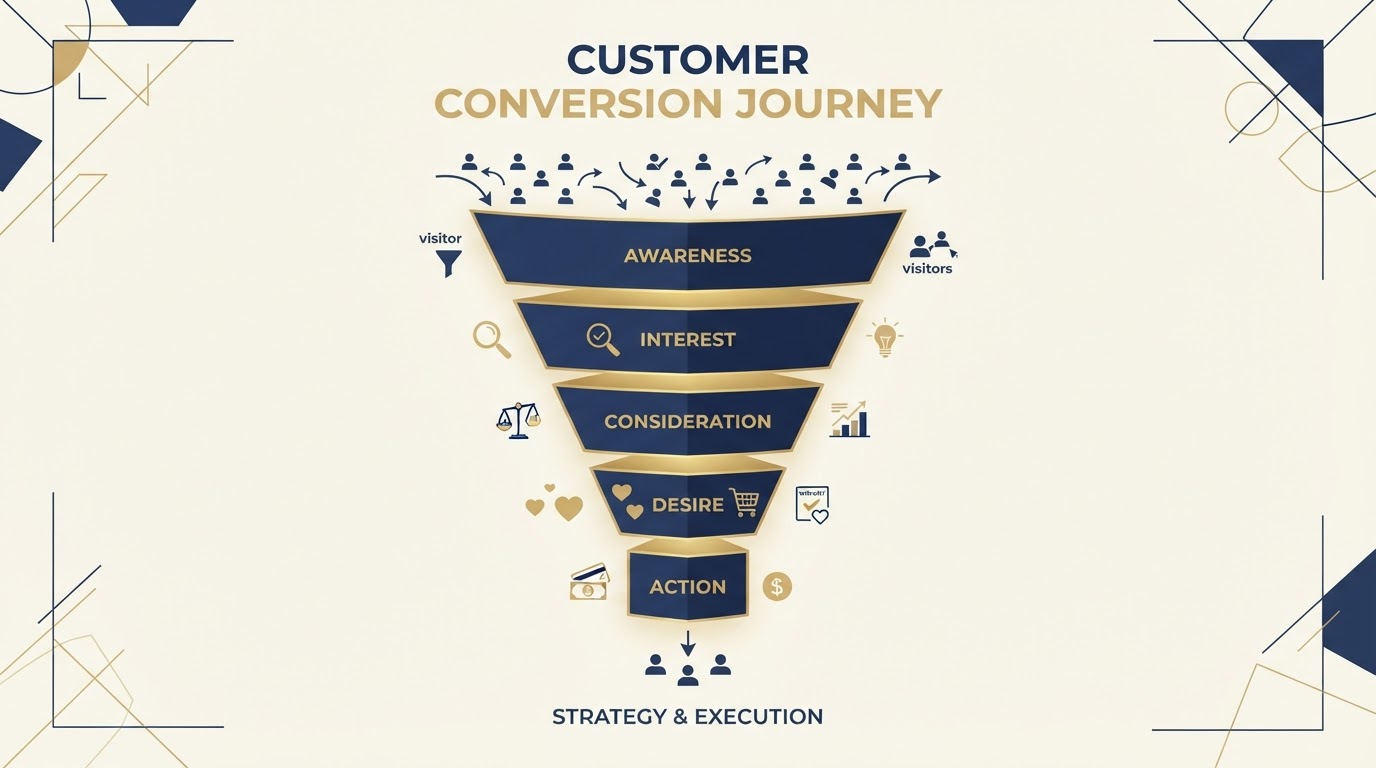
The customer journey, in four steps

Stranger

Lead

Customer

Advocate

Every term below fits into one of these stages. Once you see where each piece belongs, the whole system clicks into place.

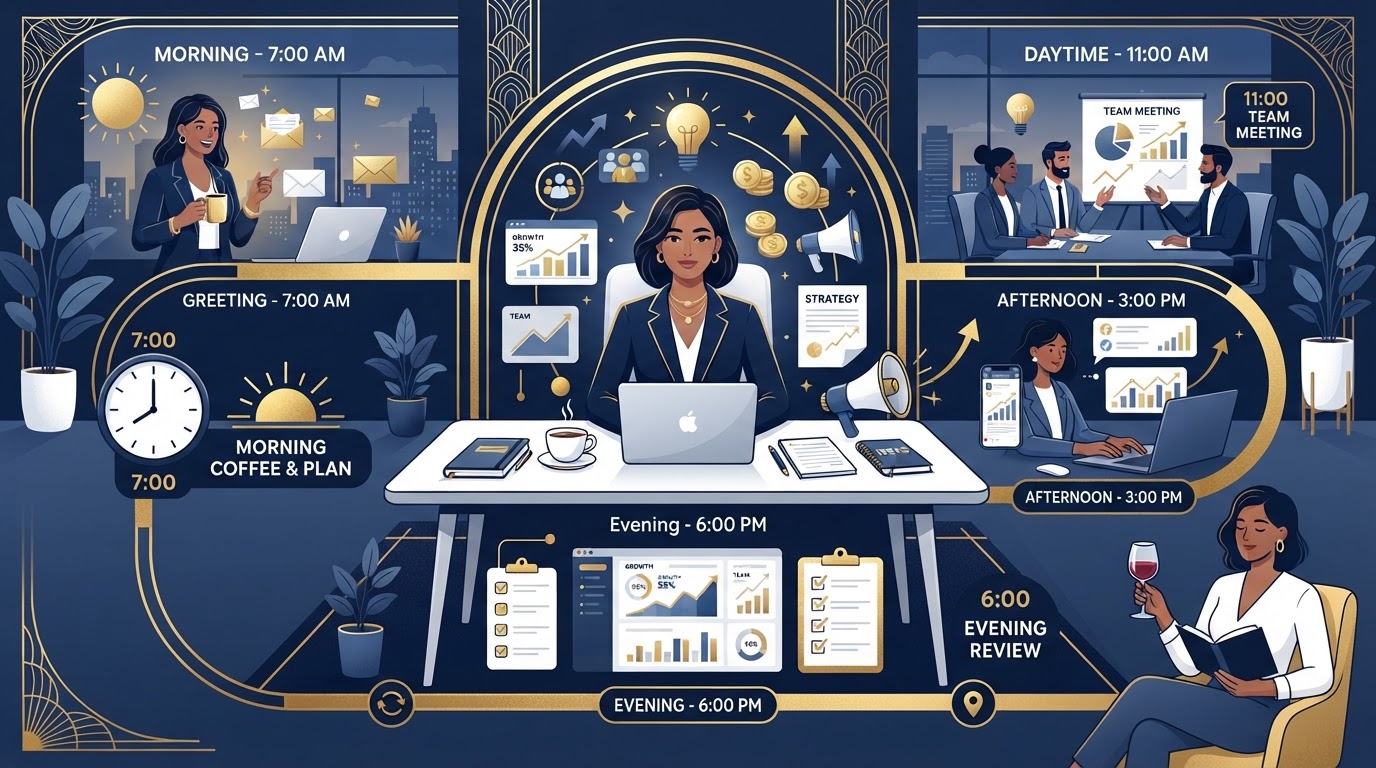
A business owner's day from morning to evening, surrounded by marketing tools

A day running your business — in plain English

Picture one ordinary Tuesday. You're not a marketing expert — you're a salon owner, a real-estate agent, a solo consultant. The same tools handle the morning's new leads, the midday's bookings, the afternoon's outreach, and the evening's follow-ups. Here's how the day unfolds, and what each piece of the toolkit is doing along the way.

The terms below aren't buzzwords to memorize. They're the steps of your day — and once you see them in that order, the whole thing clicks. Each card carries a time-of-day badge so you can trace the day through the terms.

  1. Morning

    Open the dashboard, know where you stand

    Your CRM and pipeline show every new lead that came in overnight — names, sources, and what to do next.

  2. Midday

    Capture leads while you work

    Funnels and forms turn ad clicks and website visitors into real contacts that flow straight into your CRM.

  3. Afternoon

    Stay in front of customers

    Email, SMS, and social keep the conversation going — scheduled, automated, and answered from one place.

  4. Evening

    Let it work after you clock out

    Workflows run follow-ups, reviews go out on their own, and AI keeps answering while you sleep.

Brand new to all this?

Start with just three: CRM, Funnel, and Workflow Automation.

They're the backbone of everything else — your business's memory, the path that brings people in, and the engine that follows up automatically. Master these three first and the rest falls into place.

The terms, defined — by where they fit

Each card breaks a term into what it is, where you use it, and how it works — then drops it into a real moment from the day.

Attract

Get attention — Reach strangers and pull them toward your business.

Sales Funnel concept illustration

Funnel

Sales Funnel

Midday

The path from stranger to customer.

What it is
A sequence of pages (landing page → offer → thank-you) that guides a visitor toward one action, like booking or buying.
Where you use it
When you run an ad, share a link, or want someone to take a specific next step.
How it works
Traffic lands on page one. Each step filters and nudges — the people who keep clicking are your warmest leads.

In your day

Midday — a Facebook ad sends 40 people to your funnel. 12 book a call, and 3 become paying customers.
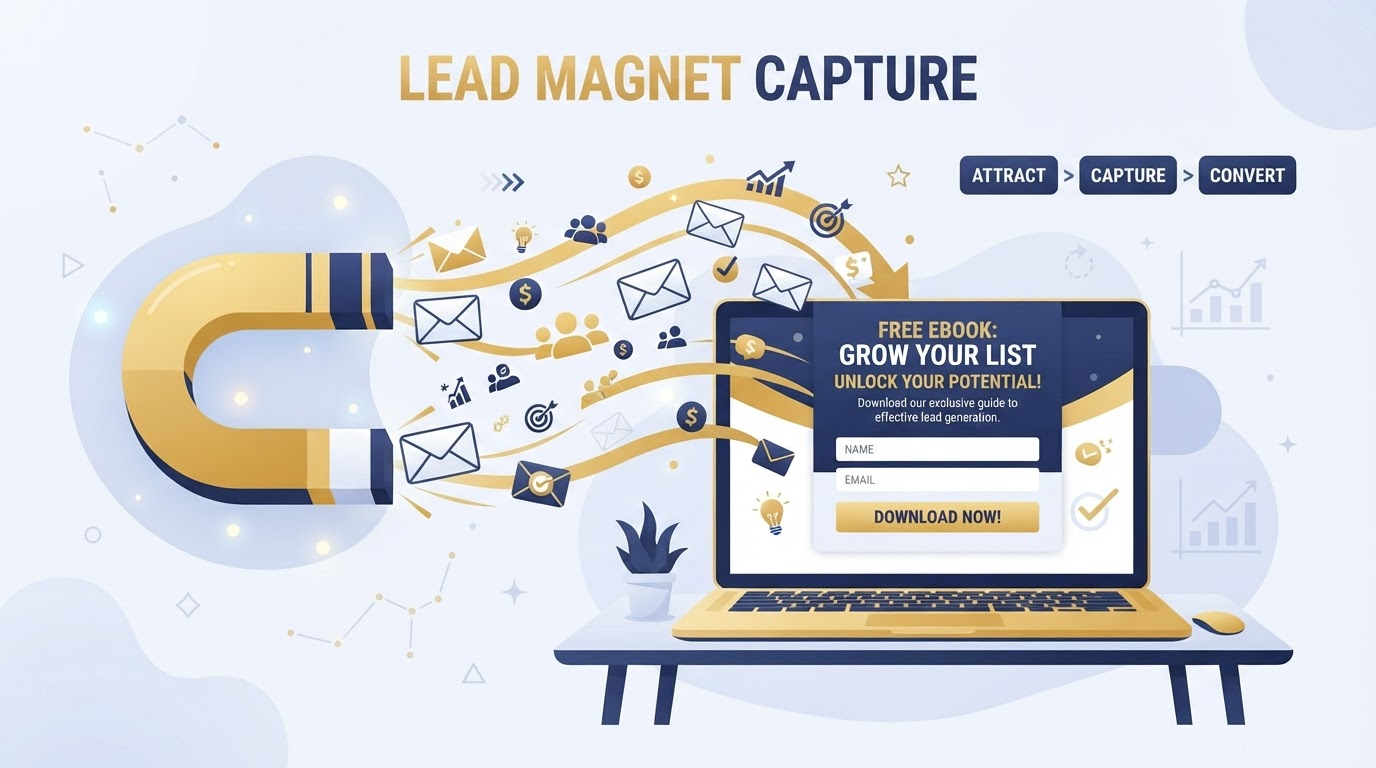
Lead Magnet concept illustration

Lead Magnet

Lead Magnet

Midday

The irresistible reason to hand over your email.

What it is
A valuable free offer — a guide, checklist, template, or mini-course — given in exchange for a visitor's contact details, usually an email address.
Where you use it
On your website, inside a funnel, or promoted in ads and social posts to turn anonymous visitors into named leads.
How it works
Someone wants the free resource, enters their email to get it, and instantly becomes a new contact in your CRM — ready for follow-up.

In your day

Midday — a visitor downloads your free 'Quilt Pricing Guide.' Their email lands in your CRM and an automated welcome sequence starts warming them up before you've even said hello.

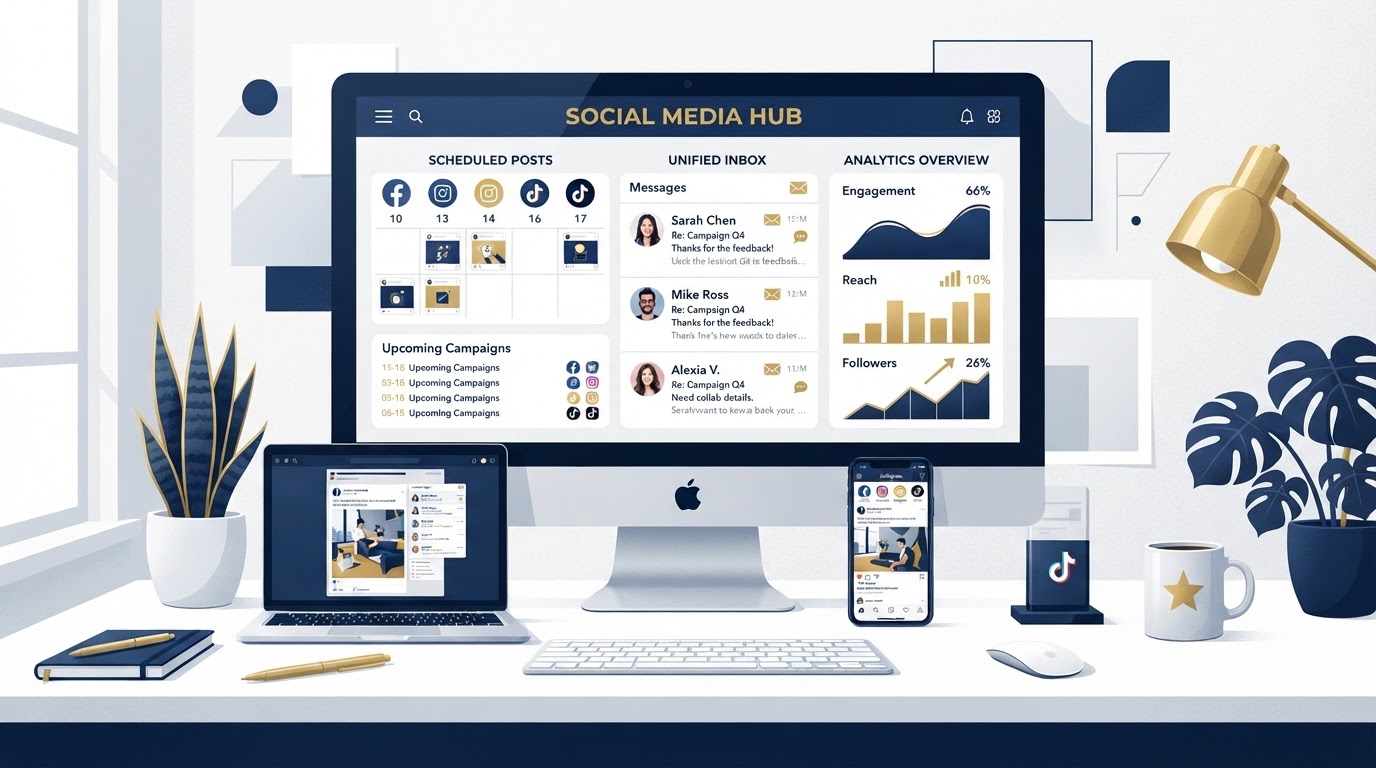
Social Planning, Posting & Inbox concept illustration

Social Media Marketing

Social Planning, Posting & Inbox

Afternoon

Show up where your audience scrolls.

What it is
Planning, posting, and managing content across Facebook, Instagram, TikTok and more — plus replying to DMs from one inbox.
Where you use it
Building brand awareness and staying connected between purchases.
How it works
Schedule a week of posts at once. Every comment and message lands in a unified inbox you answer from one screen.

In your day

Afternoon — you schedule 9 posts for the week in 20 minutes, then answer 6 DMs from one inbox without switching apps.

Capture

Turn strangers into contacts — Collect their details so they're no longer anonymous.

Lead-Capture Forms & Surveys concept illustration

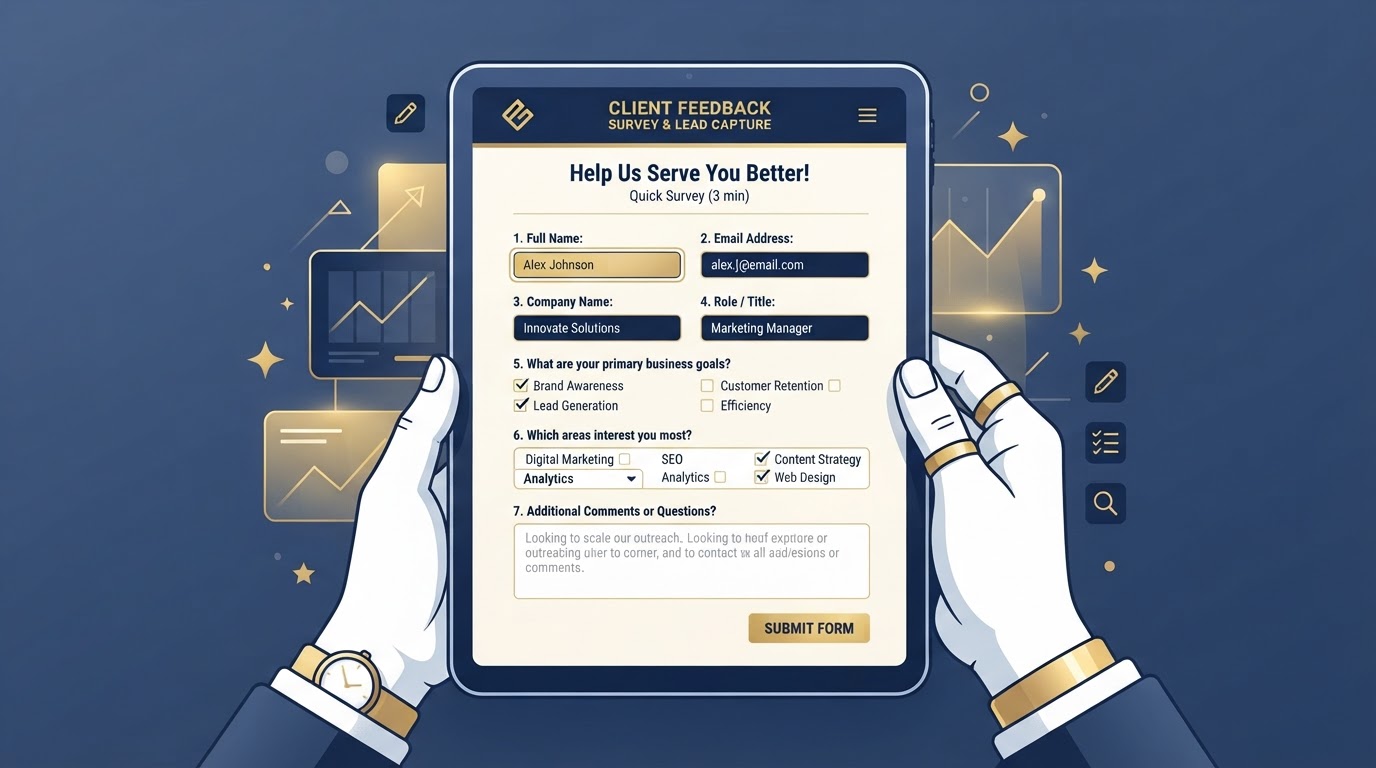
Forms & Surveys

Lead-Capture Forms & Surveys

Midday

How you ask, so people answer.

What it is
Custom questions on a page that capture a person's details, needs, or feedback.
Where you use it
On your website, inside a funnel, or sent by link to collect info before a conversation.
How it works
Someone fills it out → their answers land in your CRM as a new contact, often triggering an automated follow-up.

In your day

Midday — a 'Request a Quote' form captures 4 leads. Each one auto-enters your CRM and gets an instant text reply.

Nurture

Stay in touch — Keep the conversation going until they're ready to buy.

Email Campaigns & Automation concept illustration

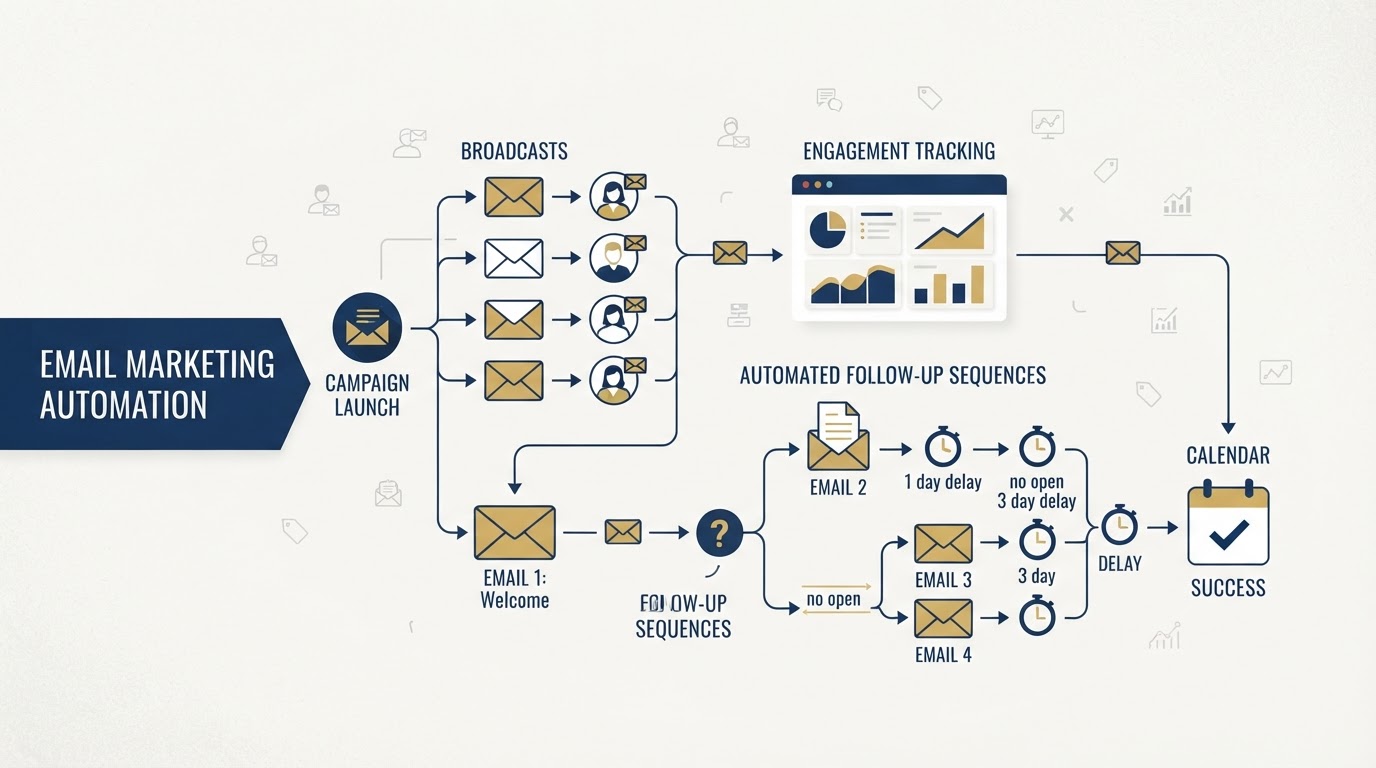
Email Marketing

Email Campaigns & Automation

Afternoon

Stay top-of-mind at scale.

What it is
Sending campaigns, broadcasts, and automated sequences to a list of subscribers by email.
Where you use it
Newsletters, promotions, onboarding, and nurturing leads who aren't ready to buy yet.
How it works
Write once, send to many. Automations deliver the right message at the right time without you lifting a finger.

In your day

Afternoon — a 'Welcome' sequence runs automatically for everyone who joins your list, warming them up over a week.

Text-Message Marketing & Automations concept illustration

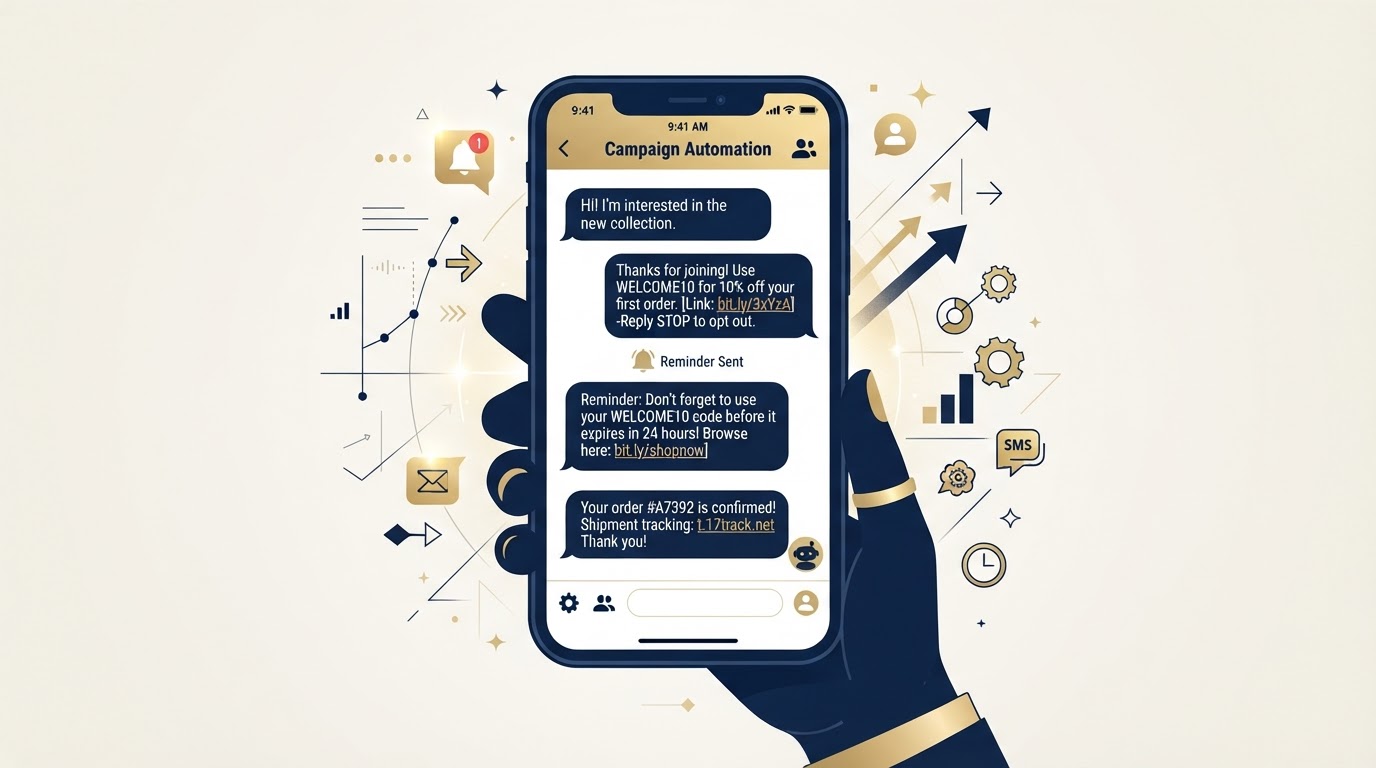
SMS Marketing

Text-Message Marketing & Automations

Afternoon

The message they'll actually read.

What it is
Text-message outreach — promotions, reminders, and two-way conversations — with open rates near 98%.
Where you use it
Appointment reminders, last-minute offers, and instant replies to missed calls.
How it works
Send a text or trigger one automatically. Replies flow into your inbox so you can respond fast.

In your day

Afternoon — a client misses your call. They instantly get a text: 'Sorry we missed you! Want to reschedule?' They book in seconds.

Triggers, Sequences & Reminders concept illustration

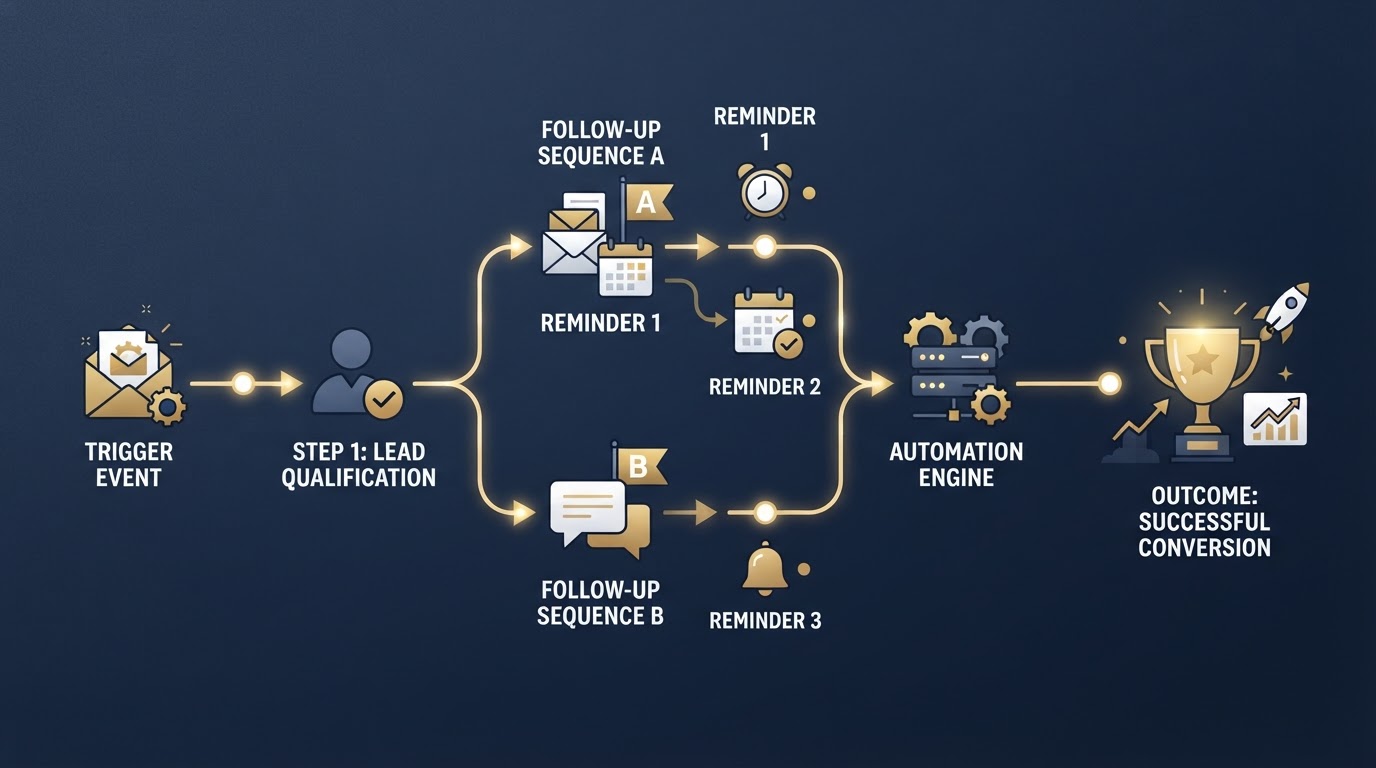
Workflow Automation

Triggers, Sequences & Reminders

Evening

The work that happens while you sleep.

What it is
Rules that trigger actions automatically — if X happens, do Y — across your tools.
Where you use it
Follow-ups, reminders, task assignment, and any repeatable step you do by hand today.
How it works
Set a trigger (new lead, missed call, form submitted) and a sequence of actions runs on its own, every single time.

In your day

Evening — a new lead triggers: add to CRM → send welcome email → wait 2 days → text a reminder. All automatic.

Convert & Track

Close & manage — Move deals forward and keep every interaction in one place.

Customer Relationship Management concept illustration

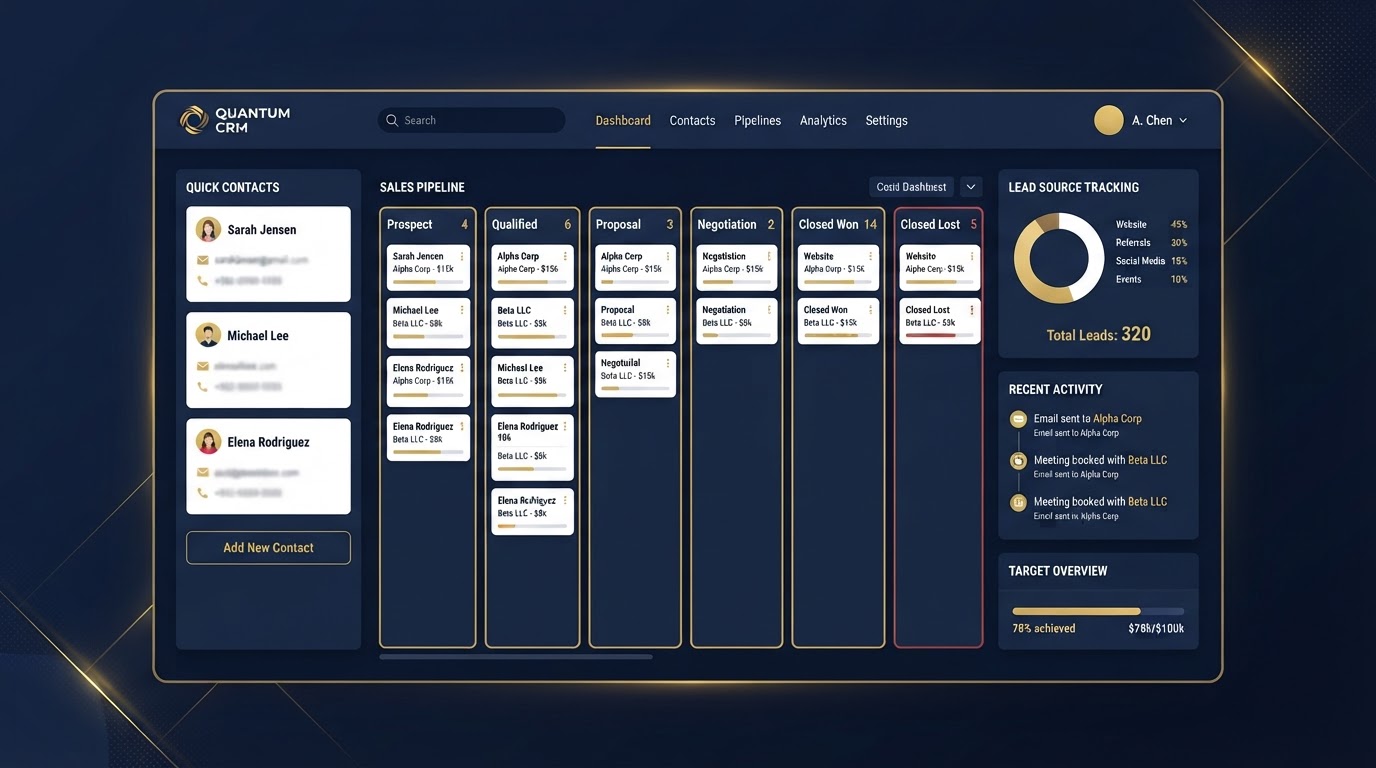
CRM

Customer Relationship Management

Morning

Your business's memory.

What it is
A single place that stores every contact, conversation, note, and task tied to a customer or prospect.
Where you use it
Any time someone interacts with your business — a form fill, a call, a purchase, or a reply.
How it works
Each contact gets a record. As they move through your process, the CRM tracks where they are, what's been said, and what to do next.

In your day

Morning — you open your dashboard and see 3 new leads came in overnight. Each already has a name, a source, and the form they filled out.

Sales Pipeline concept illustration

Pipeline

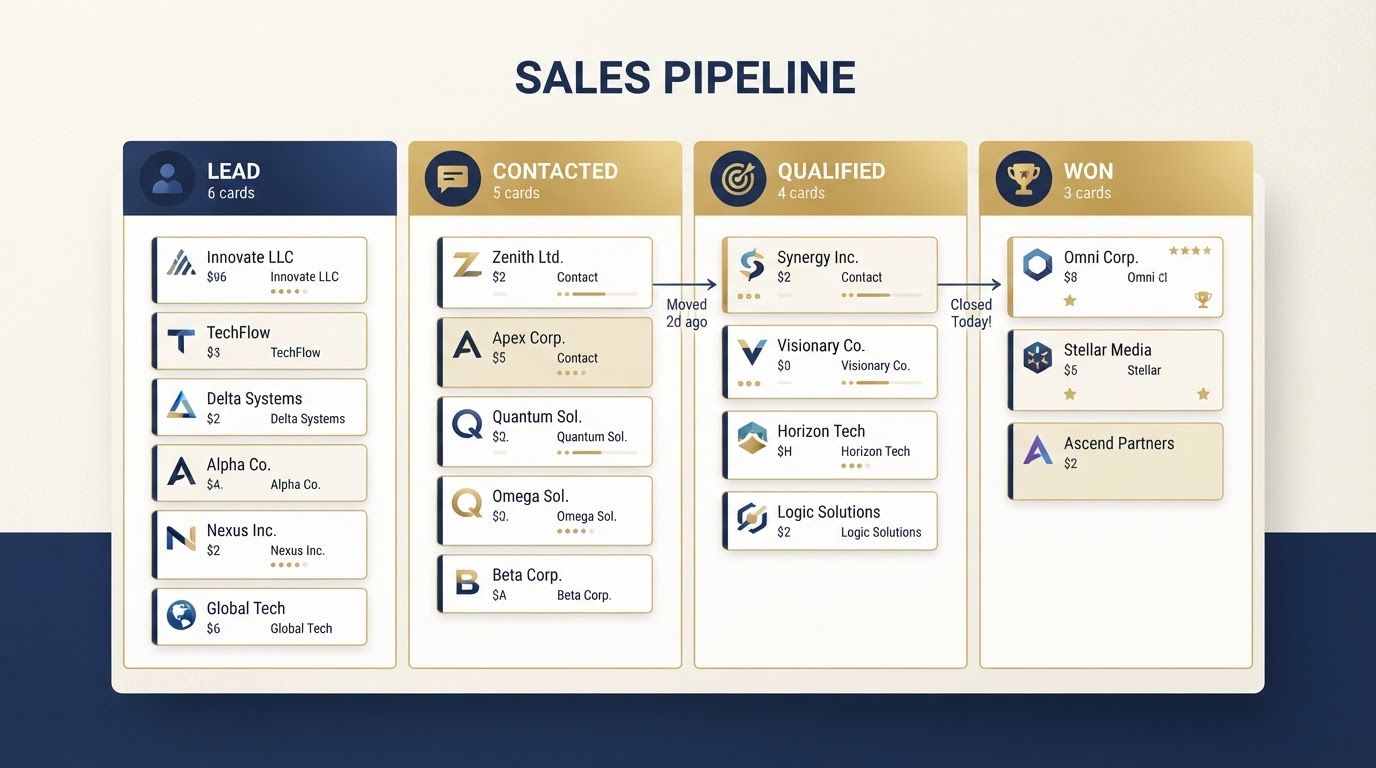
Sales Pipeline

Morning

Where every deal stands, at a glance.

What it is
A visual board that organizes your deals into stages — New, Contacted, Qualified, Won — so you always know what needs attention.
Where you use it
Once a lead exists and you're working them toward a sale.
How it works
Each deal is a card. You move cards across columns as the relationship progresses, so nothing falls through the cracks.

In your day

Morning — your pipeline shows 5 deals in 'Contacted.' After today's calls you drag two into 'Qualified.'

Retain & Grow

Keep them happy — Turn satisfied customers into your best marketing.

Reputation & Review Management concept illustration

Reviews & Reputation

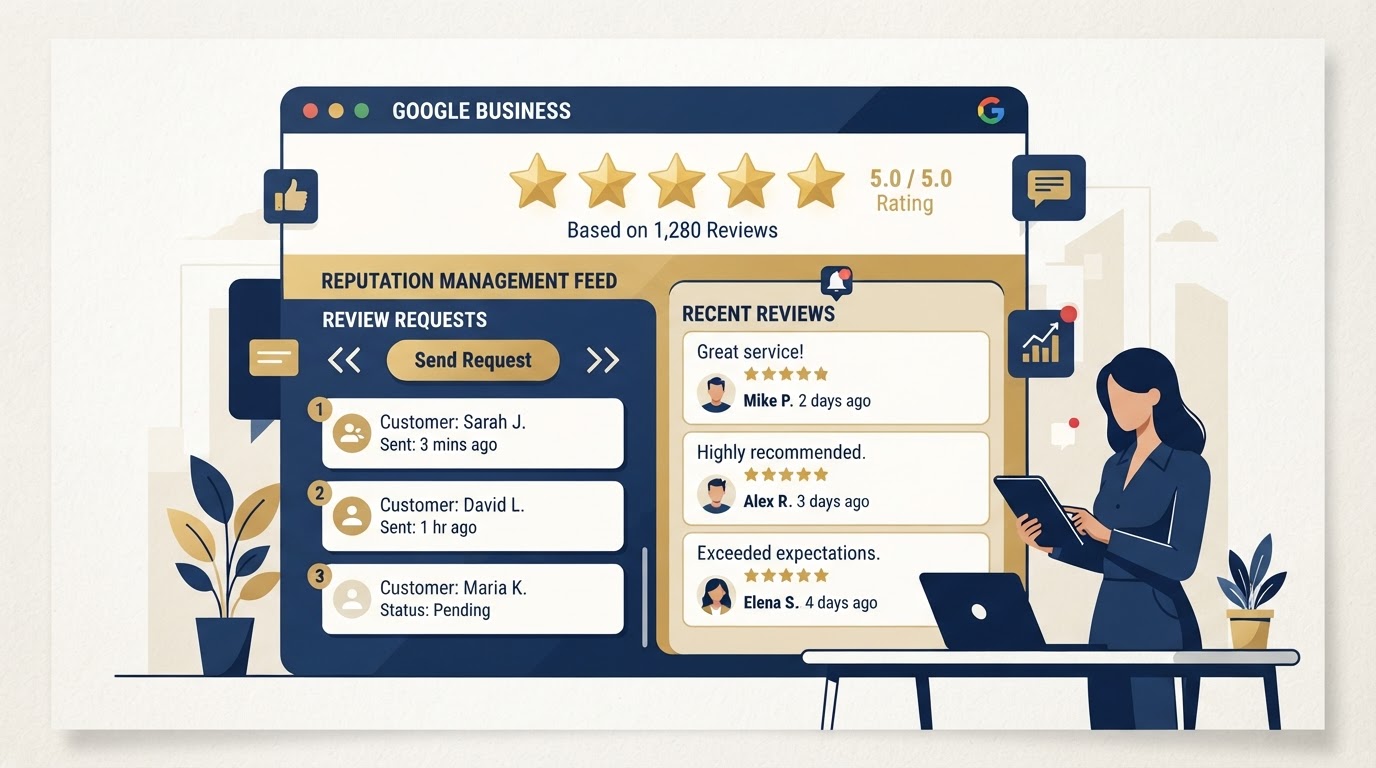
Reputation & Review Management

Evening

Turn happy customers into your best marketing.

What it is
Automatically asking satisfied customers for Google reviews and managing what people say about you online.
Where you use it
Right after a great experience — a completed job, a successful call, a finished project.
How it works
Send a review request at the perfect moment. More 5-star reviews lift your local search ranking and build trust.

In your day

Evening — after a job well done, the customer gets a one-tap review request. Three new 5-star reviews land this week.

Artificial intelligence assisting with marketing — chat, ads, and content

How AI is changing all of this

AI doesn't replace you — it multiplies you

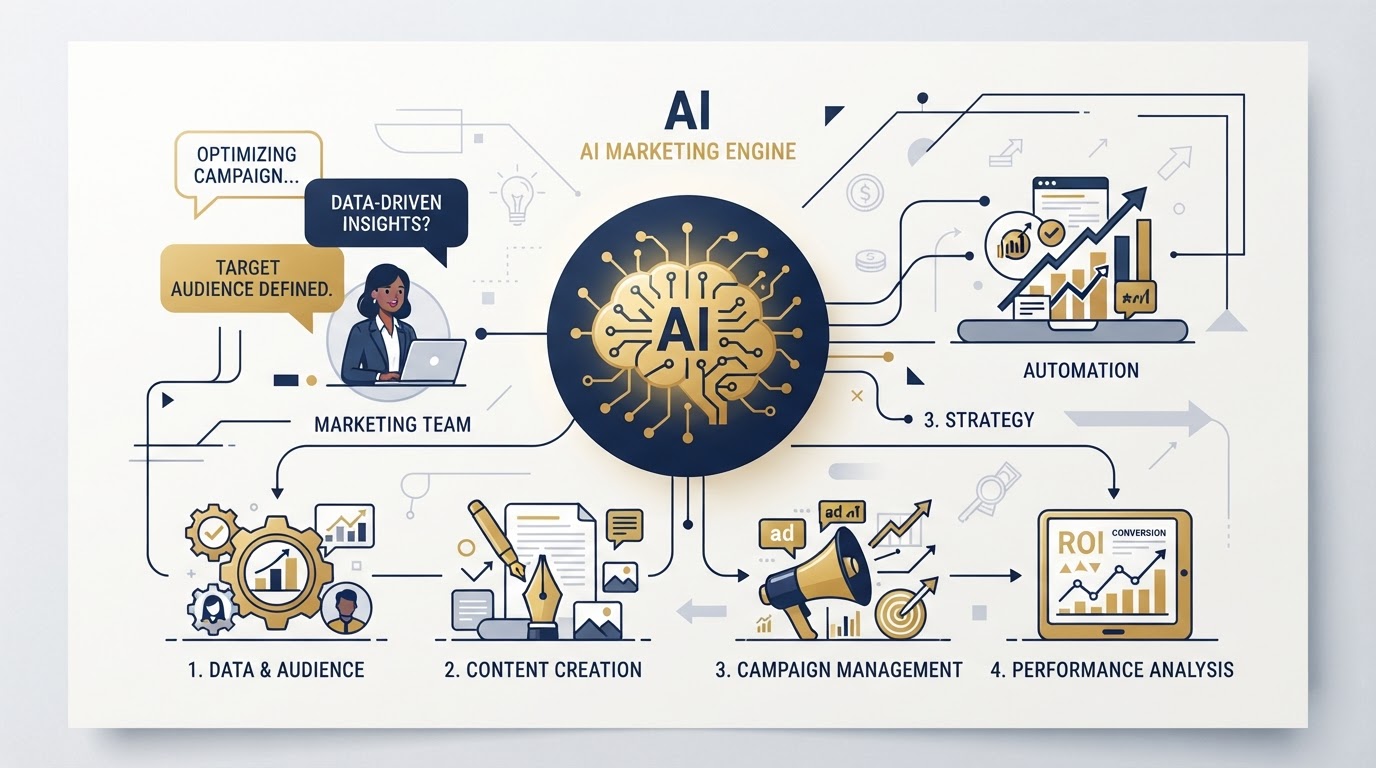
Artificial intelligence now lives inside nearly every tool above. It drafts your emails, answers calls and chats 24/7, suggests the next best action, builds ad campaigns, and writes your social posts — all from a few prompts.

The result: a solo owner can run like a full marketing team. The funnel captures leads while you sleep, AI replies to the chat before you've finished your coffee, and the workflow follows up with everyone automatically. You set the strategy; the tools — and the AI woven through them — handle the busywork.

AI lives inside your CRM, your email, your workflows, and your funnels — it's not a separate tool, it's woven through the ones you just learned.

  • Conversation AI replies to site visitors instantly, day or night.
  • Voice AI answers calls and books appointments without you picking up.
  • AI ad tools build and optimize campaigns across Google, Facebook & Instagram.
  • AI content helps write emails, posts, and texts in your voice.